
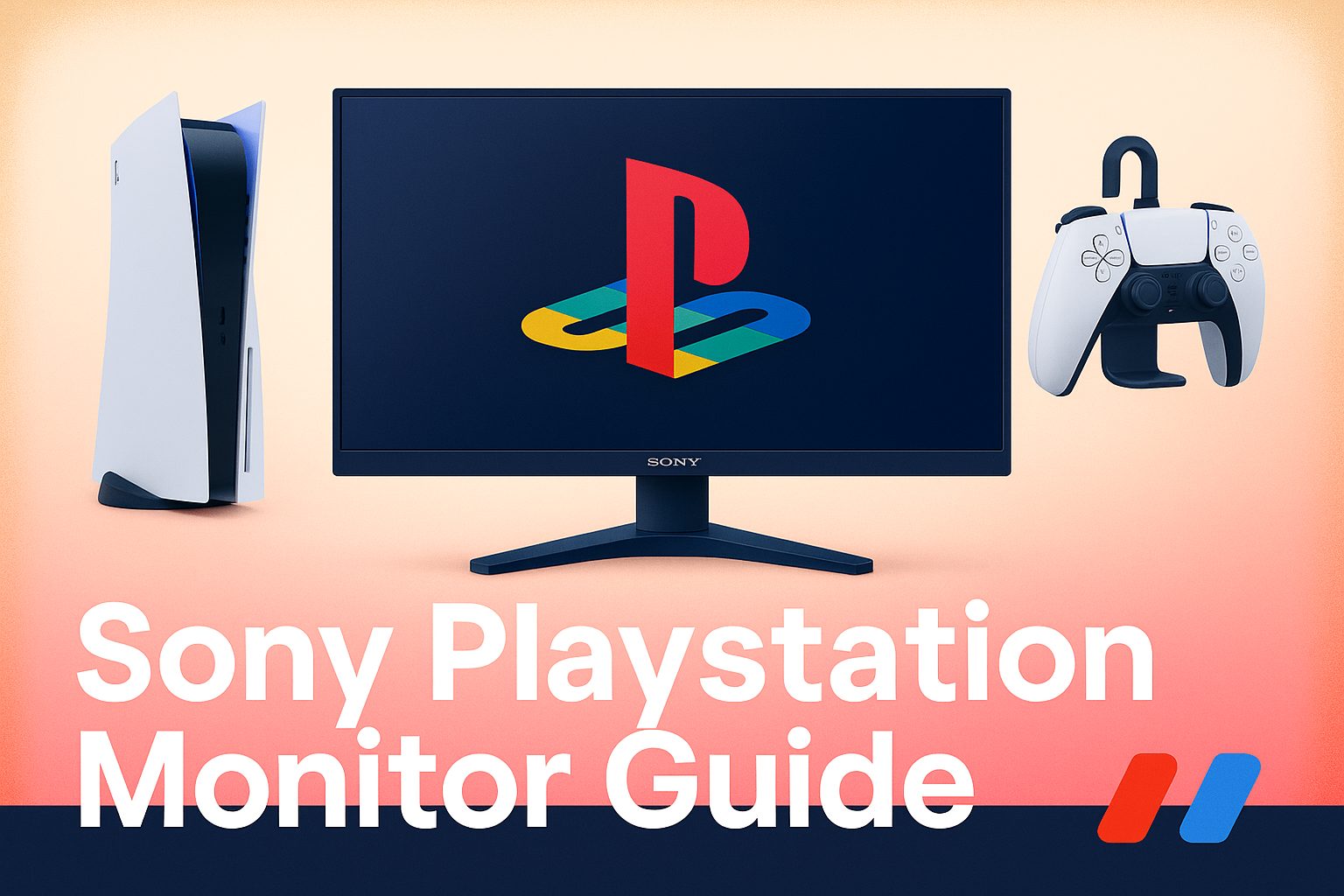
Sony’s move into the gaming monitor market signals an exciting change for PlayStation fans looking for a display tailored to their console. With features designed around the PS5 and PS5 Pro, Sony PlayStation gaming monitors are set to transform expectations for seamless integration, stunning visuals, and an easy, intuitive experience.
What Sets the Sony PlayStation Gaming Monitor Apart?
Sony’s official PlayStation gaming monitors stand out thanks to their focus on elevating the gaming experience for PlayStation users, while still being highly compatible with PCs and Macs. The debut 27-inch monitor comes with a sharp Quad HD (2560 x 1440) IPS panel, vivid HDR support, and variable refresh rates—up to 120Hz on PS5 and a swift 240Hz on PC. Dual HDMI 2.1 ports and DisplayPort 1.4 ensure broad compatibility with the latest consoles and gaming PCs. Thoughtful details, like a built-in DualSense charging hook, show Sony’s attention to easy setup and reducing clutter.
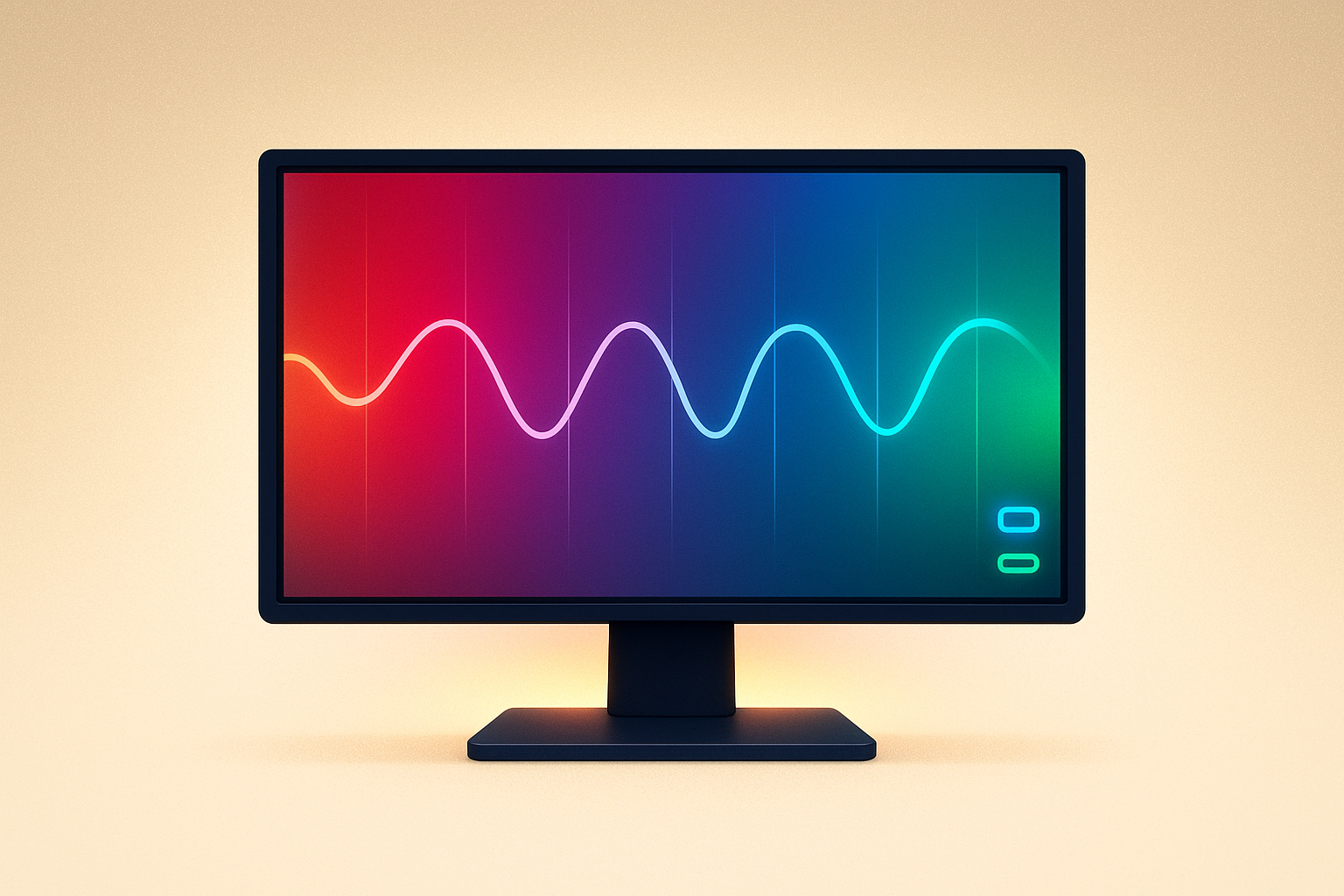
If you’re thinking about an upgrade, you’ll notice the monitor’s PlayStation-focused features—such as Auto HDR Tone Mapping—bring visuals that are not only sharp but also full of rich, realistic color, letting you see games exactly how their creators intended.
Why Refresh Rate and HDR Matter for Console Gaming
Gamers talk a lot about refresh rate and HDR, and with good reason. Sony’s PlayStation gaming monitor supports up to 120Hz refresh rates on PS5 for buttery-smooth gameplay when titles allow. Switch over to PC, and the monitor’s 240Hz capability gives extra smoothness—perfect for those who like to compete or play across platforms.
High Dynamic Range (HDR) is just as important. It boosts contrast and color range, letting you catch every shadow and highlight in your favorite games. With unique Auto HDR Tone Mapping for PlayStation displays, you get consistent, eye-catching detail in the brightest and darkest parts of the screen. Wide viewing angles from the QHD IPS panel make this monitor a solid pick for both social gaming and solo adventures.
INZONE Monitors: Exploring Sony’s Extended PlayStation Display Lineup
The INZONE series expands Sony’s gaming monitor lineup with options like the INZONE M9 II (a 27” 4K HDR 160Hz monitor) and the INZONE M10S (27” OLED QHD 480Hz). The INZONE M9 II boasts crisp 4K visuals, high refresh rates via DisplayPort (160Hz) or HDMI 2.1 (120Hz), and advanced backlighting with 96 dimming zones alongside VESA DisplayHDR 600 certification—making it a well-rounded pick for PC and console users who want the sharpest image and best contrast. The OLED-powered INZONE M10S takes visuals even further, providing super-fast refresh and deep contrast—ideal if you care about both speed and color.
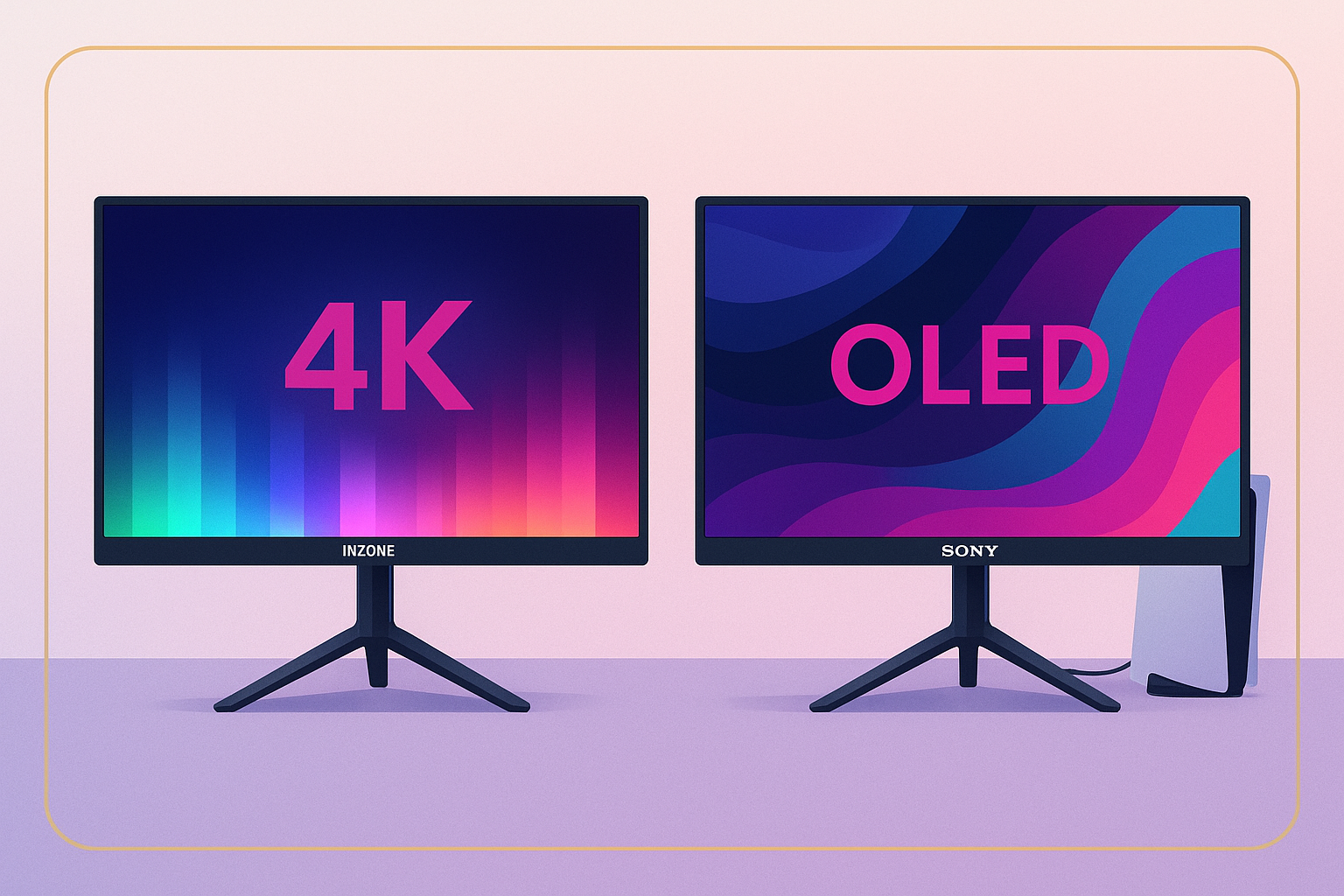
Together, these monitors show Sony’s intent to compete head-to-head with established brands, while fine-tuning features specifically for the PlayStation community.
Key Considerations Before Buying
Finding your ideal Sony PlayStation gaming monitor means weighing a few factors:
- Display resolution and refresh rate: QHD at 120Hz is a great balance for most PS5 games, while 4K is best for those who want the sharpest visuals or plan to use the monitor with a PC.
- Connectivity: Make sure your console or PC supports HDMI 2.1 to use high refresh rates and VRR.
- Panel technology: IPS panels offer reliable color and wide viewing angles. OLED brings deeper blacks and stunning contrast if that’s a priority for you.
- Integrated features: The handy DualSense charging hook keeps your setup organized, and built-in stereo speakers are useful if you don’t use headphones.
Value Proposition vs. Competitors
Sony’s monitors, especially the INZONE series, come in at a premium price. Comparing them to leaders like ASUS, Acer, and LG, you’ll want to consider PlayStation-specific perks like Auto Genre Picture Mode, built-in charging, and effortless HDR setup. While some competing OLED screens may deliver deeper blacks or extra punchy colors, Sony’s strong PlayStation integration could tip the scale for dedicated console gamers.
Ultimately, your decision may hinge on whether those unique PlayStation features, along with added conveniences like the charging hook, are top priorities for your gaming space.
Frequently Asked Questions
Do I need HDMI 2.1 for PS5?
To unlock high refresh rates and VRR on your PS5, HDMI 2.1 is a must. Both Sony’s official PlayStation monitor and INZONE M9 II offer HDMI 2.1, so you’re covered for 120Hz gaming whenever your favorite games support it.
Is a gaming monitor worth it for PlayStation, or should I use a TV?
While many new TVs are great for gaming, monitors generally win on lower input lag, smoother refresh rates, and sharper visuals at a desk-friendly size. Models like the INZONE M9 II or M10S can give you a competitive edge and more flexibility, as noted in our guide on customizing your gaming setup.
Are Sony INZONE monitors compatible with other consoles?
Yes, these monitors work with other platforms like Xbox Series X/S and PCs, making use of HDMI 2.1 and DisplayPort for full compatibility.
Practical Setup Tips
Getting your PlayStation gaming monitor ready is simple:
- Plug your PS5 into an HDMI 2.1 port for 120Hz refresh rates and full HDR capabilities.
- Check display settings on both your console and monitor to enable VRR and set HDR to automatic.
- Adjust the monitor’s height so it’s level with your eyes for comfort during long gaming sessions. Use the included controller hook to keep your area organized.
For a step-by-step walkthrough, check practical guides like desktop gaming customization.
Final Thoughts
Sony’s PlayStation gaming monitor and the INZONE collection reflect a deep focus on what PlayStation gamers really want in a display. With fast refresh rates, vibrant HDR, and handy features like built-in DualSense charging, these monitors are crafted for immersive, next-level gaming. While rivals continue to innovate—especially with OLED displays—Sony’s blend of convenience and PlayStation-first integration truly stands apart.
As more gamers look for monitors that deliver top performance and intuitive usability, Sony’s offerings are likely to influence new standards in the space. If you aim to future-proof your setup and get the most out of your PS5, keeping an eye on Sony’s official monitors is a smart move. For more tips on enhancing your gaming and work environment, explore articles about AI-powered gaming assistants or streamlining your digital workspace for peak performance.