

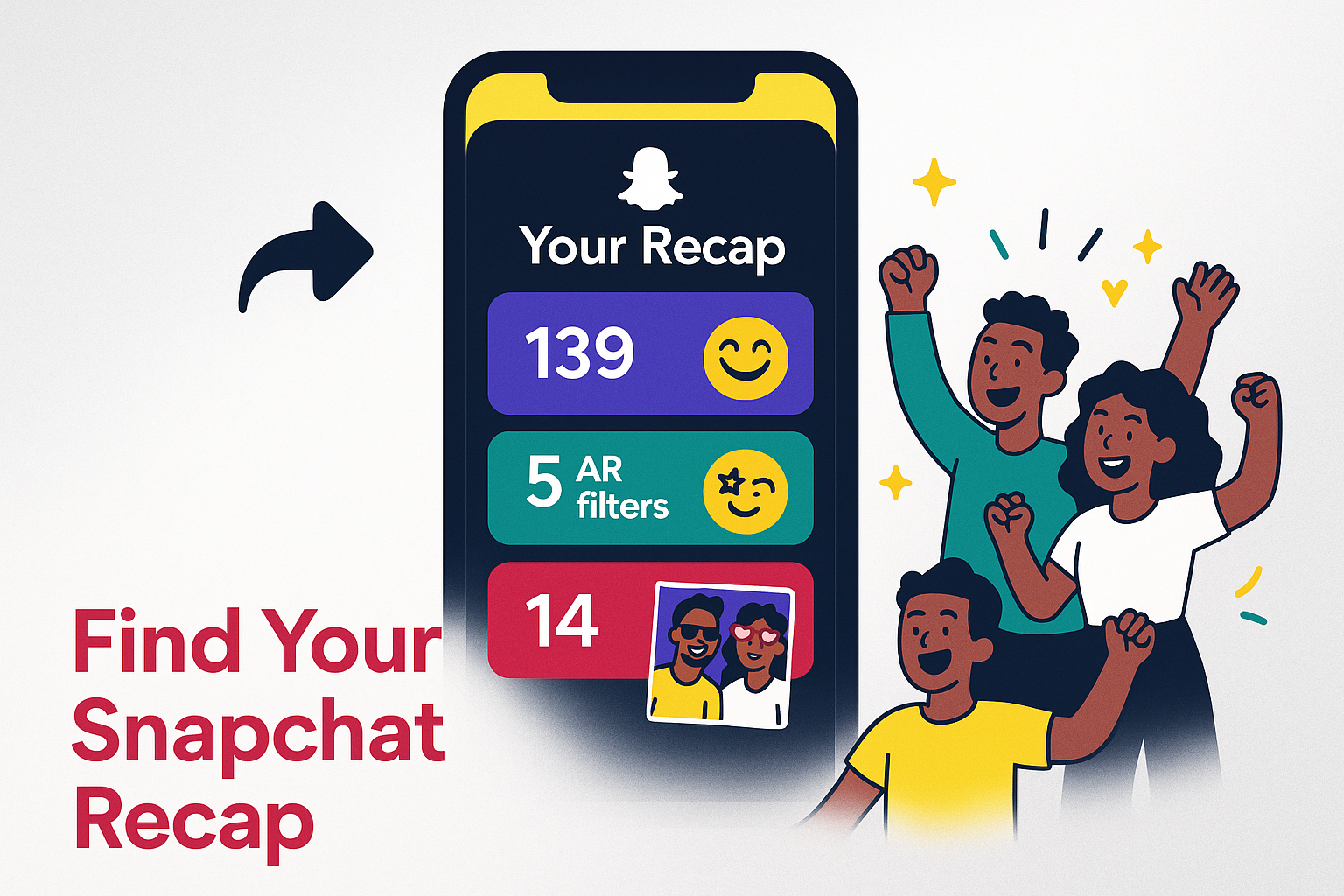
As December arrives, excitement begins to build around one of Snapchat’s most talked-about features: the Snapchat Recap. Much like Spotify Wrapped or Apple Replay, this annual treat gathers your top Snaps, Stories, best friends, chats, and memorable moments into a unique, shareable story. If you’re eager to learn how to access your 2025 Snapchat Recap, how to share it with friends, or what to make of the new Memories storage limits, this guide has everything you need to make the most of this year’s recap experience.
What Is Snapchat Recap?
The Snapchat Recap gives you a quick glimpse back at your year, spotlighting your favorite memories and the people you connected with most. It wraps up your top Snaps, Stories, Memories, favorite friends, filters, and calls into a lively video you can enjoy and share. With 850 million monthly users and impressive retention rates, Snapchat’s Recap is both a celebration of your own moments and a reflection of what’s trending on the platform—like the 25 million minutes on sports Spotlights and the rising use of AR lenses.
When Is the Snapchat Recap Released?
The Snapchat Recap usually drops in the second half of December. For 2025, it started rolling out on December 15th. Most people will spot their Recap between December 15th and 20th, with the biggest buzz happening then. Depending on your location, app version, or account type, there might be slight delays—so a little patience is sometimes needed.
How To Find Your Annual Snapchat Recap
Finding your Recap is simple:
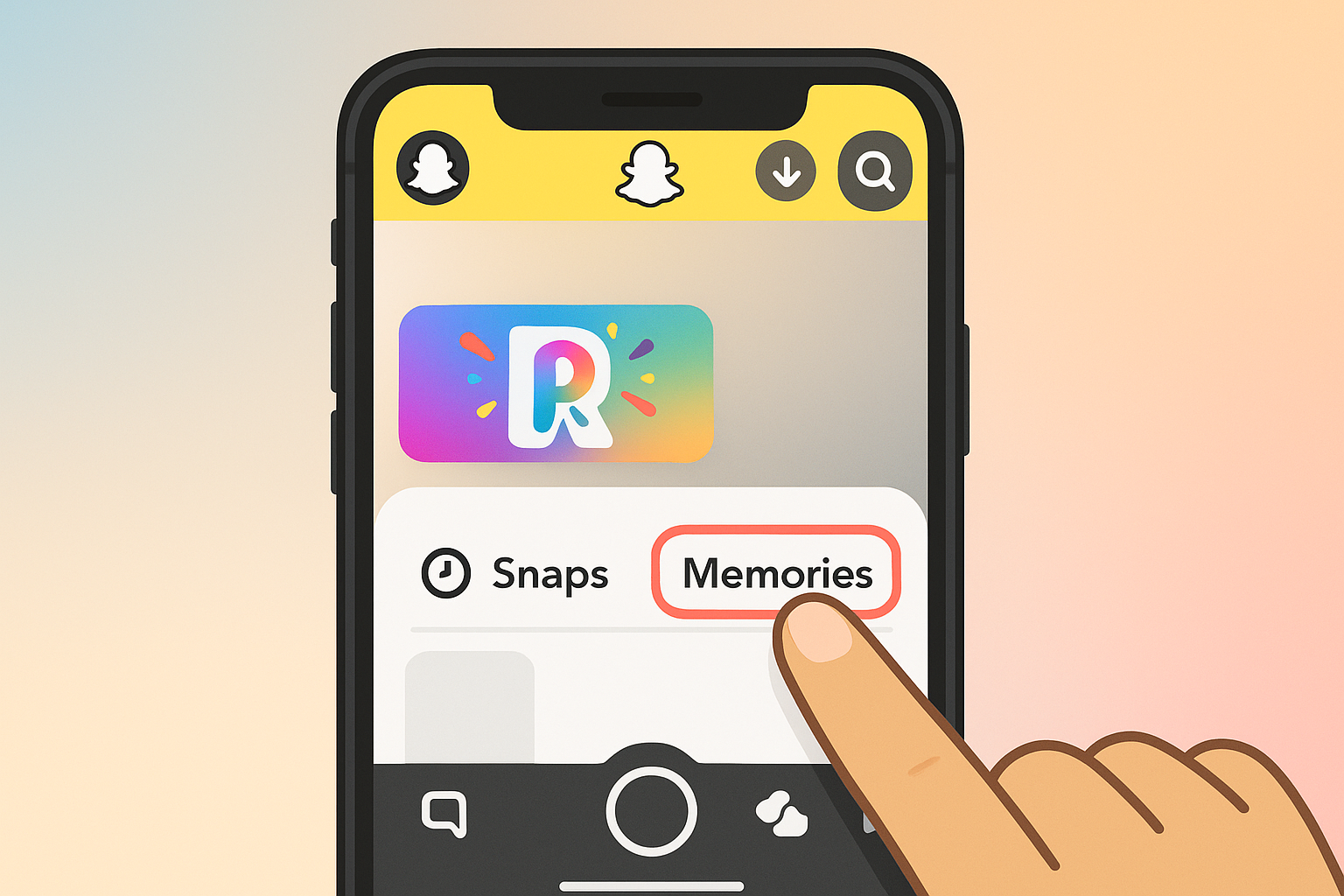
- Open Snapchat and tap your profile or Bitmoji in the top-left corner.
- Scroll down to “Memories” or the special “2025 Recap” section. Look for the vibrant Recap banner or icon.
- Tap Recap to watch your highlights. If needed, allow access to Memories so Snapchat can pull together your year’s best moments.
If your Recap isn’t showing up right away, double-check that Snapchat is updated and try restarting the app. Sometimes the rollout takes a little time, so check back later if needed.
How To Share Your Snapchat Recap Story
Sharing your Snapchat Recap is part of the fun. Here’s how:
- While watching your Recap, tap the share icon or “Send To” button.
- Select which friends, groups, or even your public Story you’d like to share with.
- You can also save your Recap to Memories or your Camera Roll if you want to post it elsewhere.
Remember, it’s totally your choice whether to share your Recap—you can keep it private or share it only with select friends if you’d prefer.
Snapchat Recap vs. Other Year-End Features
Snapchat’s Recap takes a more personal approach than Instagram’s story highlights or TikTok Recaps. While Spotify Wrapped and Apple Replay sum up your music tastes, Snapchat focuses on playful moments with friends, AR filters, and chats. This emphasis on shared experiences and creativity helps Snapchat Recap stand out from other end-of-year summaries.
Understanding the New Memories Storage Limits
There’s a big change to be aware of for 2025 and beyond: starting in 2026, Snapchat will limit free Memories storage to 5GB. If you need more space, you’ll have to subscribe—plans start at $1.99 for 100GB and go up to $15.99 per month for 5TB. Until now, Memories had no such limit, so this update is a big shift, especially for anyone who loves saving years of Snaps. Since Recap content can draw from Memories, it’s a good idea to organize and back up your favorite Snaps now.
Worried about losing access to your memories or Recap? Try these steps:
- Download and save important Snaps to your phone or a cloud service.
- Regularly export your favorite Memories.
- Explore Snapchat’s subscription options if Memories are important to you.
Tips for Making the Most of Your Snapchat Recap
For a Recap that truly reflects your year, keep these tips in mind:
- Stay active with Snaps, Stories, and Memories—diversity makes your Recap more interesting.
- Keep snapping with your closest friends, as they often show up in your highlights.
- Try out AR lenses, fun filters, and new Story features—they’ll appear in your Recap.
- Check that you’ve enabled Memories, since Snapchat needs this to pull together your Recap.
If you love leveling up your Stories, you might also enjoy using stylish font generators for social media—they can give your Recap or Story captions some extra flair.
Troubleshooting Recap Access Issues
Can’t find your Recap? Here’s what to do:
- Make sure you’re on the right account and using the most up-to-date app version.
- If something seems missing, check that Memories was enabled all year.
- For delays, watch for updates from Snapchat support.
If you recently joined Snapchat or haven’t been very active, you may not get a full Recap this time. Building up more memories throughout the year can help for next time.
Final Thoughts: Why Your Snapchat Recap Matters
The Snapchat Recap isn’t just a fun walk down memory lane—it lets you see your social life spotlighted in a creative way. With new records set for travel, food, sports, and more, these Recaps often highlight what’s happening across Snapchat as a whole. While the new storage rules will shape how we use Memories and Recaps going forward, being prepared helps you enjoy this feature every year.
For more tips on year-in-review features and privacy-friendly sharing on other social networks, check out our articles on how to view IG Stories anonymously or explore private story viewing options. Whether you’re sharing, reminiscing, or simply browsing your highlights, having control over your memories online is more important than ever.