For years, one of the most requested features from Gmail users has been the ability to change a primary @gmail.com address without having to start from scratch. In late December 2025, Google finally delivered on this wish, rolling out a new option as part of its “2025 Identity Revolution.” Now that it’s here, many are eager to know how this works in real life, what the new rules are, and, most importantly, how to change their Gmail address smoothly and safely.
How the New Gmail Address Change Feature Works
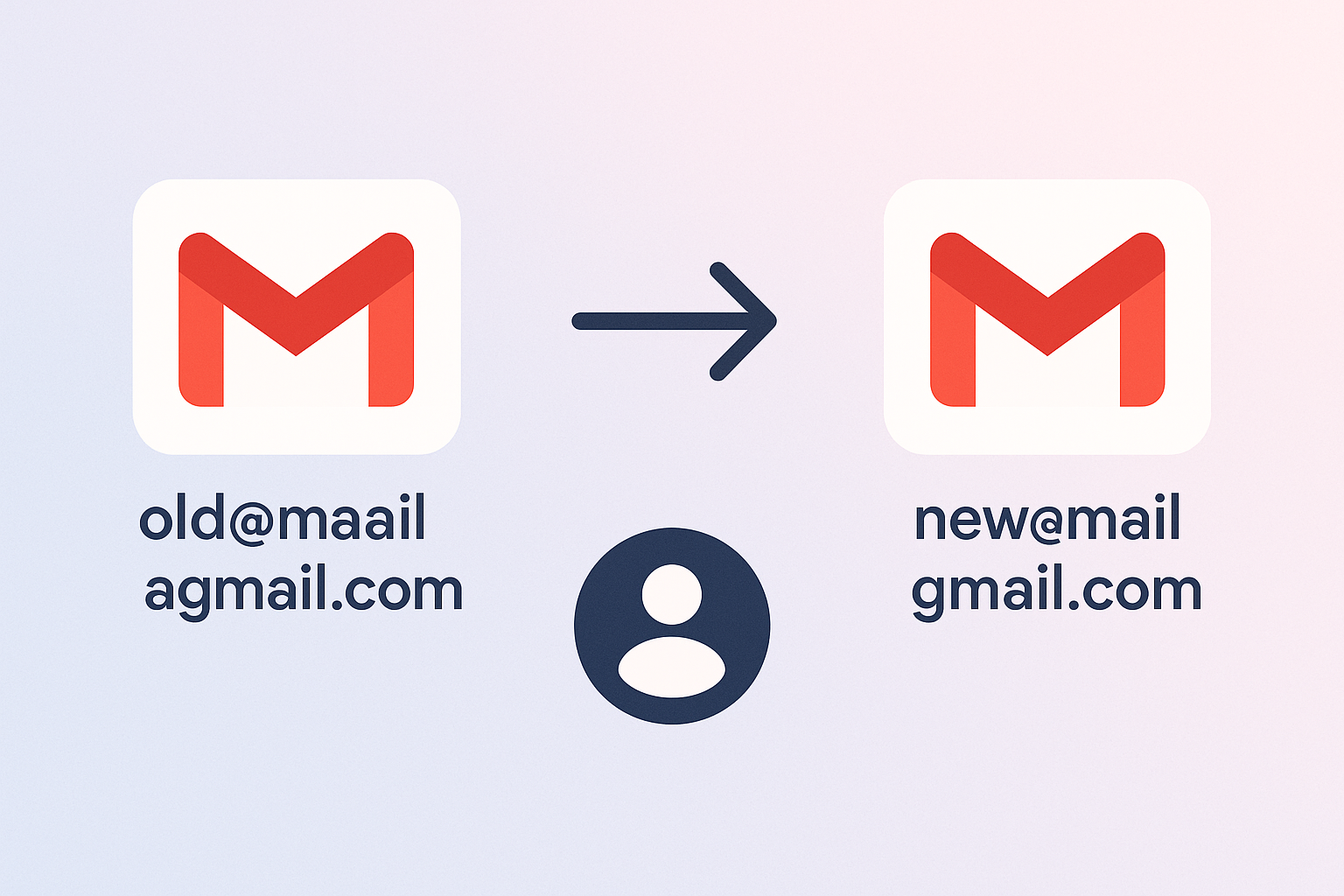
This update lets you rename your main Gmail username—so you can turn [email protected] into [email protected]—while keeping all your emails, files, and linked services connected to your account. Your old email address doesn’t disappear; it simply becomes an alias. Mail sent to your old address will still land in your inbox, and you can use either address to log in or recover your account.
Previously, if you wanted a new Gmail address, you had to set up a whole new account and manually move your data—a process that was both tedious and risky. With this seamless change, Google helps you keep your online identity current with much less hassle.
Who Can Use the Gmail Address Change?
This feature is being rolled out gradually, so it might not show up for everyone right away. To see if you have access, sign into Gmail on the web, go to your Google Account settings, and check the “Personal Info” or “Email” sections for an option about your primary address. If you find a “Rename Email Address” or a similar prompt, you’re eligible. If not, Google suggests waiting a bit longer as the rollout continues over the coming months.
Most personal Gmail accounts should become eligible during 2025, but business and Workspace users may see some limitations. Also, your new address must fit certain rules—for example, it can’t already be claimed by another user.
Renaming Limits and Policies
While this feature is powerful, there are a few boundaries. Google allows users to pick up to four unique primary addresses throughout an account’s life, and only a few changes are allowed each year. These limits help prevent abuse and cut down on confusion or potential security issues.
Currently, there’s no official way to go back to a previous address if you’ve already hit your yearly or lifetime cap. It’s best to think carefully before you commit to a new address—especially if you use your Gmail for important work or personal contacts.
What Happens to Your Old Gmail Address and Data?
Many people worry about what happens to their messages, files, and settings after making the switch. The reassuring news: all your emails, contacts, and files in services like Google Drive and Calendar stay right where they are. Your old address becomes an alias, so you’ll still get mail sent there, and you can use it for logins or account recovery. There’s no loss of tools or access to Google services you’ve been using.
This smooth transition also applies to third-party apps and logins. Usually, any service where you selected “Sign in with Google” will accept both your old and new addresses. Still, it’s smart to check on any especially important accounts, just in case. Some websites or platforms might require you to update your contact info or username.
Practical Steps to Prepare for the Change
- Update your contact info on key websites and with important contacts after changing your Gmail address.
- Double-check any two-factor authentication methods or account recovery details that use your old address.
- Let coworkers or collaborators know about your new address, especially if you use Gmail for professional or team work. Some shared documents or folders might show the change.
- Make a backup of crucial emails, contacts, and files before switching your address, just to be safe.
Address Change Impact Across Google’s Ecosystem
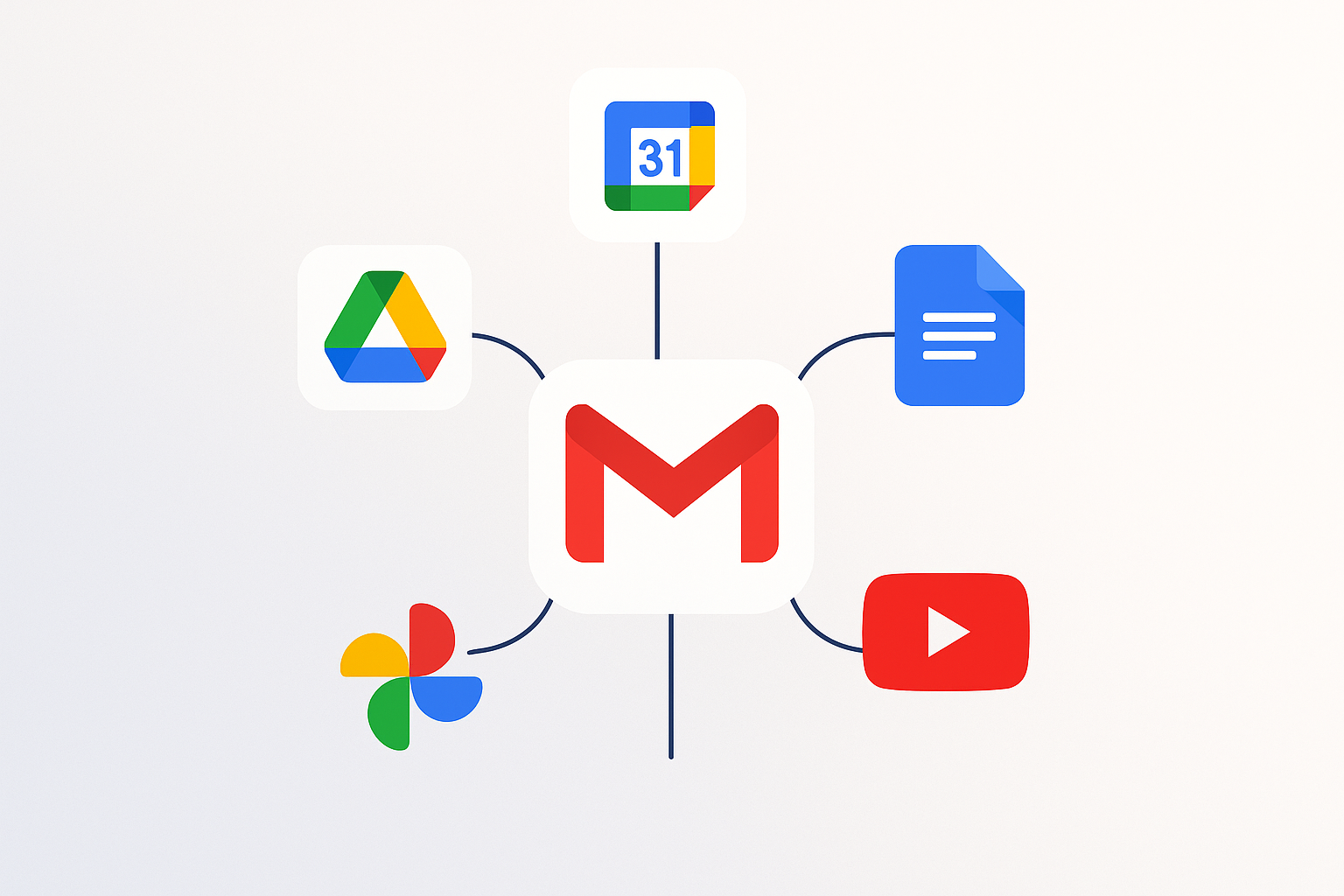
This feature is designed to work smoothly across all Google products. After you rename your email, all Google services—including YouTube, Docs, Calendar, and Photos—will reflect your new address as primary, but your old one will still work as an alias. You shouldn’t lose any data or be cut off from any service. That said, here are a few things to keep in mind:
- Your profile name and picture won’t change unless you update them separately.
- Some third-party apps may occasionally ask you to update your address manually, especially if they store your Gmail address themselves.
- If you use Gmail for business or with Google Workspace, changing your main address may involve extra rules or approval from administrators.
If you want to read more about digital identity changes or are interested in new policy trends—like AI-powered messaging—check out articles such as this overview of Instagram DM updates or browse AI character platforms to see how tech and identity management are evolving.
Frequently Asked Questions
Can I revert my Gmail address after changing it?
While your old address turns into an alias, Google doesn’t allow unlimited renames. Annual and lifetime caps apply, and switching back to a previous address will typically count as another rename. So, plan for changes to be mostly permanent.
Will I lose any emails, contacts, or files?
No. Your account and all related data stay put. Both old and new addresses get you into your inbox and Google services.
Can I change my Gmail address for business or Workspace accounts?
Support for Workspace accounts is planned but may take more time. Check with your organization’s admin for specific policies or extra steps that may be required.
How do I know if the feature is available for my account?
Look for a “Rename Email Address” option in your Google Account settings. If you don’t see it yet, check again in a few weeks as Google continues rolling out the feature to new users.
Final Thoughts
Google’s new Gmail address change feature is a game changer for anyone wanting to update their digital identity without all the headaches of creating a new account. The process is built to be safe and straightforward, with little risk of losing emails or disconnecting from important services. Still, because of annual and lifetime limits, it’s worth picking your new address carefully, taking time to prepare your account, and keeping up with any policy updates.
As the feature rolls out to more users, those who try it first can help others by sharing their experiences and best practices. To keep up with the latest on technology and digital privacy, follow industry news and check out helpful security guides.